Hotline: 16297 (9 AM to 8 PM)




 Hello, Sign in
 Cart
Cart 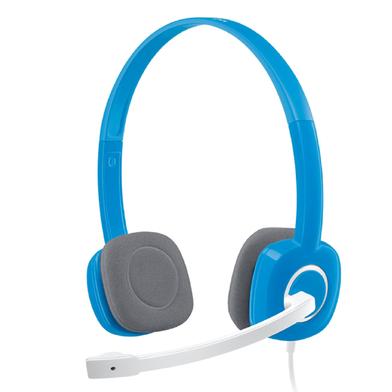




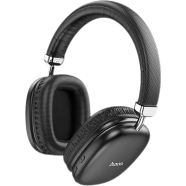
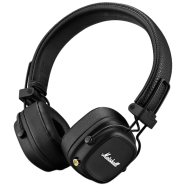
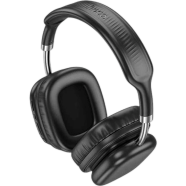
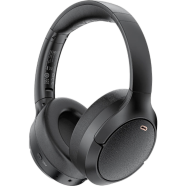
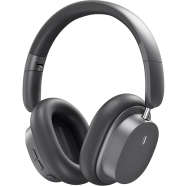
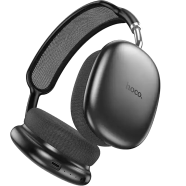
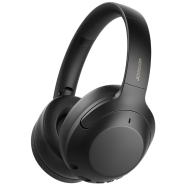
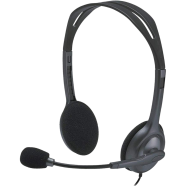
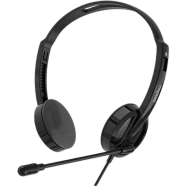
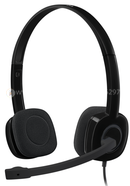
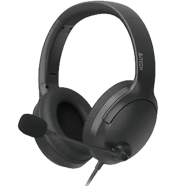
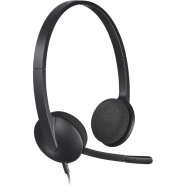
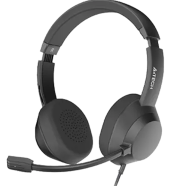
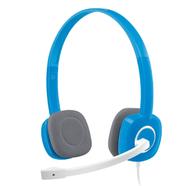
With dual 3.5mm analog plugs, the Logitech H150 connects to PC microphone and headphone ports. A bi-directional microphone captures voice input while blocking ambient room noise. This model improves upon the H110 by integrating in-line volume controls and utilizing denser ear cushion foam.
Key Features
- Bi-directional Mic: -44 dBV/Pa sensitivity rating. Filters background sounds to keep voice transmission clear.
- In-line Controls: Physical volume and mute toggles on the cable. Adjust sound levels without navigating through PC audio settings.
- 180-Degree Boom: Rotating microphone arm design. Allows wearing the headset with the mic on either side.
- 2-Year Warranty: 24-month manufacturer support. Guards against hardware malfunctions and factory assembly defects.
- Enhanced Foam Cushions: Porous ear padding material. Reduces heat buildup during long use in high humidity.
Frequently Asked Questions
How to connect Logitech H150 to laptop with one jack?
Purchase a 3.5mm female-to-male Y-adapter to merge the dual plugs. This converts the separate mic and headphone lines into a single combo jack.
Is Logitech H150 good for zoom calls?
The noise-cancelling microphone isolates voice from background office noise. Plug-and-play analog connectivity eliminates driver software issues during meetings.